Navigating Swiss Air Customer Relations: A Practical Guide for Busy Travelers
Travel disruptions are frustrating, but finding the right way to resolve them shouldn't add to the stress. When you need to reach out to Swiss Air customer relations, knowing which channel to use can save you hours of hold music and back-and-forth emails. Depending on whether you are dealing with a lost bag, a delayed flight, or a billing question, the strategy changes. Here is a practical breakdown of how to approach their support team effectively based on your specific situation.
When you need an immediate status update
If you are at the airport or rushing to a gate and need quick answers, traditional phone lines might not be your best bet. Long wait times are common, and the connection quality isn't always reliable. Instead, consider the SWISS App or their Twitter/X handle for real-time updates. The app often provides a "Call Back" feature, allowing you to request a return call instead of listening to hold music. Compared to the general service line, social media teams often have access to similar real-time flight data and can respond much faster. For a busy traveler, the app is the superior tool for immediate, operational updates.
If your baggage is delayed or missing
Dealing with lost luggage requires a formal approach rather than a quick phone call. While it is tempting to dial the first number you find, you will likely be redirected to an automated system or a central call center that cannot file the specific report you need. The most efficient method is using the WorldTracer tool available on the Swiss Air website. This creates a permanent record in the global baggage system. Unlike calling an agent, where information might be misheard or lost, the digital form ensures your file reference number is generated instantly and linked directly to the baggage handlers at your arrival airport.
Requesting compensation for a serious delay
For substantial issues like flight cancellations or significant delays where you feel you are owed compensation under EU or Swiss regulations, email or a web form is your best avenue. Phone agents are generally trained to rebook flights, not to adjudicate complex legal claims. Contacting Swiss Air customer relations via their official feedback forms creates a paper trail. This is crucial if you need to escalate the claim later. While email is slower than a phone call—it can take weeks to get a response—it provides the documented evidence required for reimbursements that a verbal conversation simply cannot offer.
Solving complex booking errors post-travel
Perhaps you noticed a double charge on your credit card a week after your trip, or you need to rectify a frequent flyer miles credit issue. These scenarios require a different selection criteria: you need an agent with authority and time. Live chat is useful for simple fixes, but for financial discrepancies, a secure email is safer. When writing your message, avoid vague summaries. Be specific about flight numbers, dates, and the exact amount in question. Comparing live chat to email for financial issues, email wins because it allows you to attach receipts and banking statements securely, ensuring the finance department has everything they need to process your refund in one go.
Arranging special assistance for an upcoming trip
If you or a travel companion requires mobility assistance or has specific medical needs, speed and accuracy are paramount. While you can manage some requests through your online profile, calling the dedicated special assistance department is usually the most reliable method. Web forms can sometimes delay the transmission of critical medical details to the ground crew. A direct phone call ensures that the equipment, such as a wheelchair or aisle chair, is physically reserved at the correct airport. For complex medical scenarios, the assurance of a human voice confirming the details outweighs the convenience of a digital submission.
How To Do A Reverse Image Search On Both Desktop And Mobile
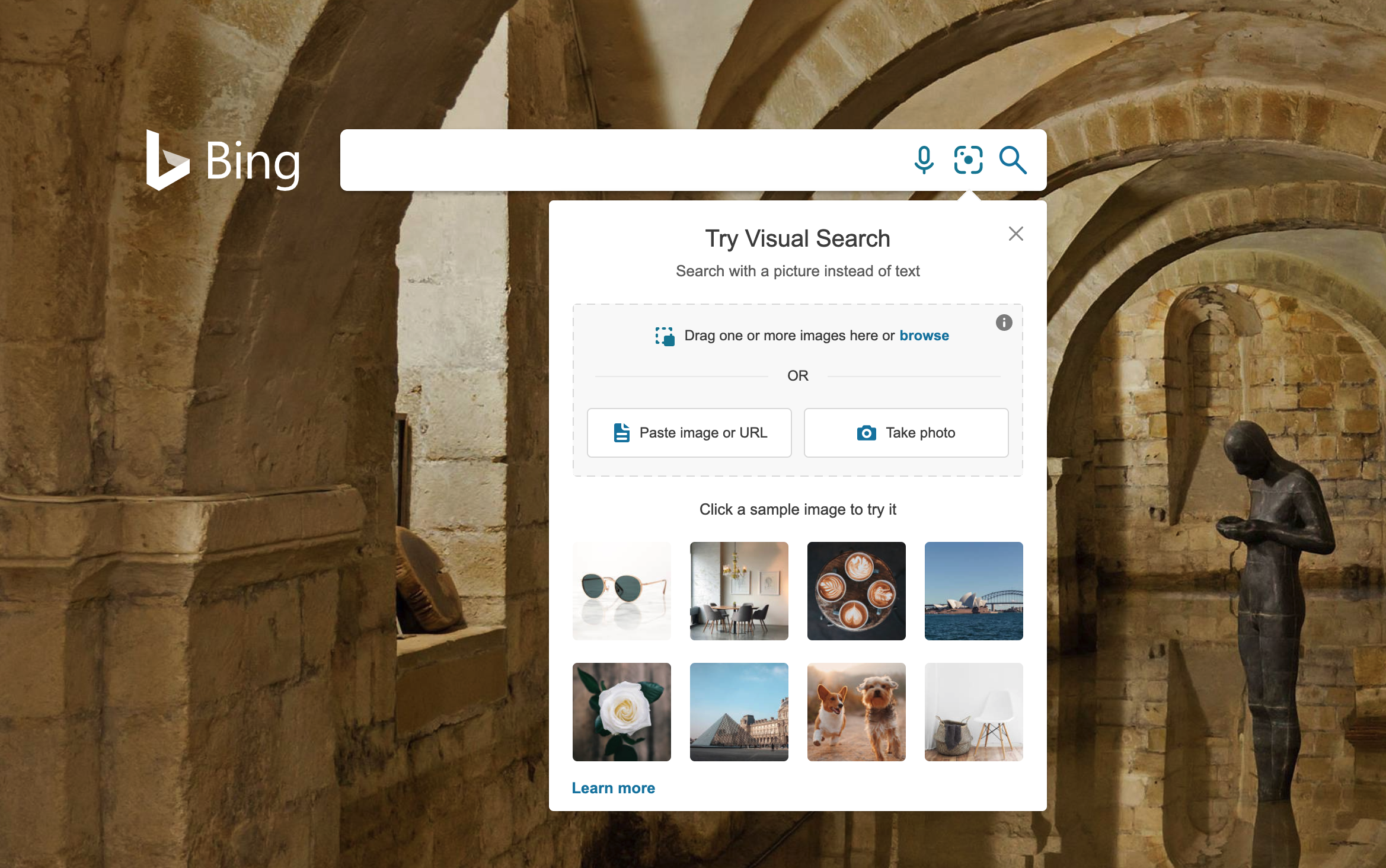
How to Do a Reverse Image Search on Both Desktop and Mobile